Security Tips for Digital Product & Payment Usage
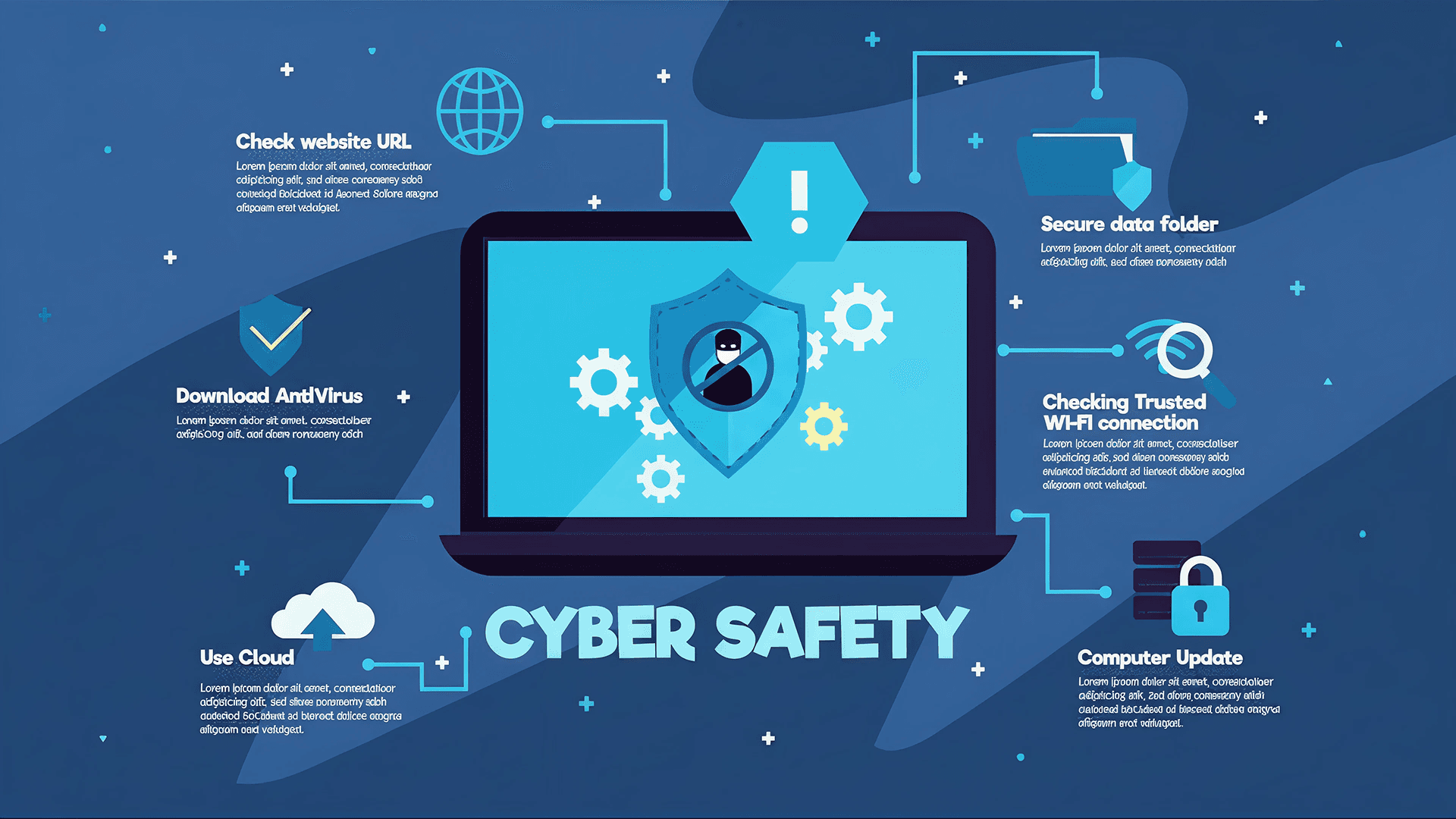
Security Tips for Using FTB Mobile To ensure secure and reliable use of FTB Mobile, follow these best practices: Download the FTB Mobile app only from official app stores (Google Play Store / Apple App Store). Avoid APK files or third‑party links. Enable biometric authentication (Face ID / Fingerprint) for stronger protection. Never share your OTP, password, or PIN—FTB will never ask for them. Avoid public Wi‑Fi when logging in or making transactions; use mobile data or a trusted network. Keep your device updated, and do not install untrusted apps, root, or jailbreak your phone. Enable push notifications to monitor your transactions in real time. Log out after each session, especially on shared or borrowed devices. Use the in‑app security features, such as change PIN or login with Biometric only, never use another external Security Tips for Using ATM & FTB iBanking ATM Safety Inspect the ATM for skimming devices (loose card slot, unknown attachments). Cover the keypad while entering your PIN. Use ATMs in well‑light and secure locations, such as FTB branches. Do not accept help from others to withdraw money, even if they appear friendly and close . Secure your card, cash, and receipt before leaving the ATM area. Immediately report captured or malfunctioned cards via FTB’s hotline 1800 200 111 (Call for Free) or +855(0)23 862 111
March 18, 2026