
Security Tips for Using FTB Mobile
To ensure secure and reliable use of FTB Mobile, follow these best practices:
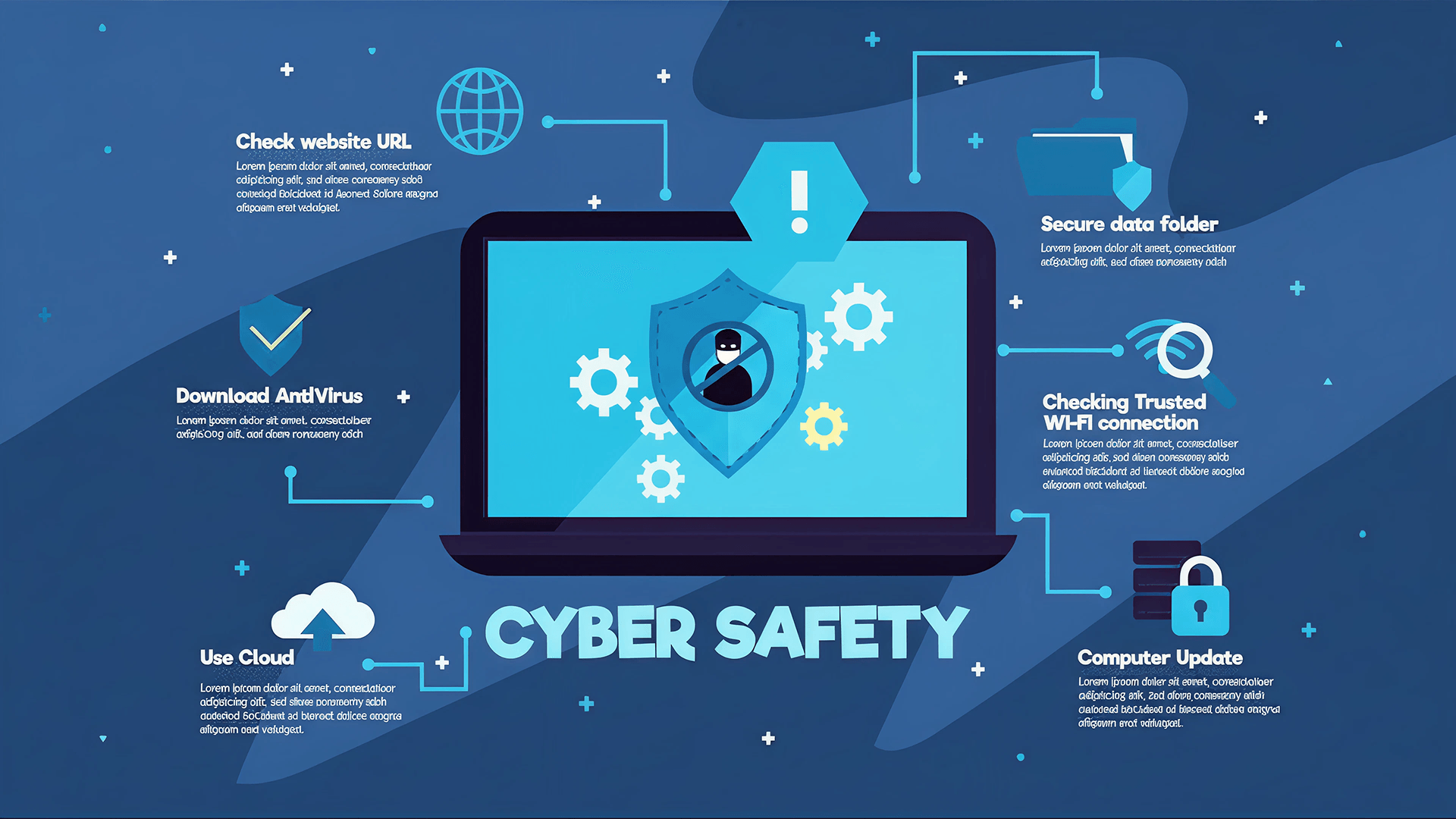
- Download the FTB Mobile app only from official app stores (Google Play Store / Apple App Store). Avoid APK files or third‑party links.
- Enable biometric authentication (Face ID / Fingerprint) for stronger protection.
- Never share your OTP, password, or PIN—FTB will never ask for them.
- Avoid public Wi‑Fi when logging in or making transactions; use mobile data or a trusted network.
- Keep your device updated, and do not install untrusted apps, root, or jailbreak your phone.
- Enable push notifications to monitor your transactions in real time.
- Log out after each session, especially on shared or borrowed devices.
- Use the in‑app security features, such as change PIN or login with Biometric only, never use another external
Security Tips for Using ATM & FTB iBanking ATM Safety
- Inspect the ATM for skimming devices (loose card slot, unknown attachments).
- Cover the keypad while entering your PIN.
- Use ATMs in well‑light and secure locations, such as FTB branches.
- Do not accept help from others to withdraw money, even if they appear friendly and close .
- Secure your card, cash, and receipt before leaving the ATM area.
- Immediately report captured or malfunctioned cards via FTB’s hotline 1800 200 111 (Call for Free) or +855(0)23 862 111