

Security & Fraud Prevention
Protect your personal information at all times
Security Tips for Digital Product & Payment Usage
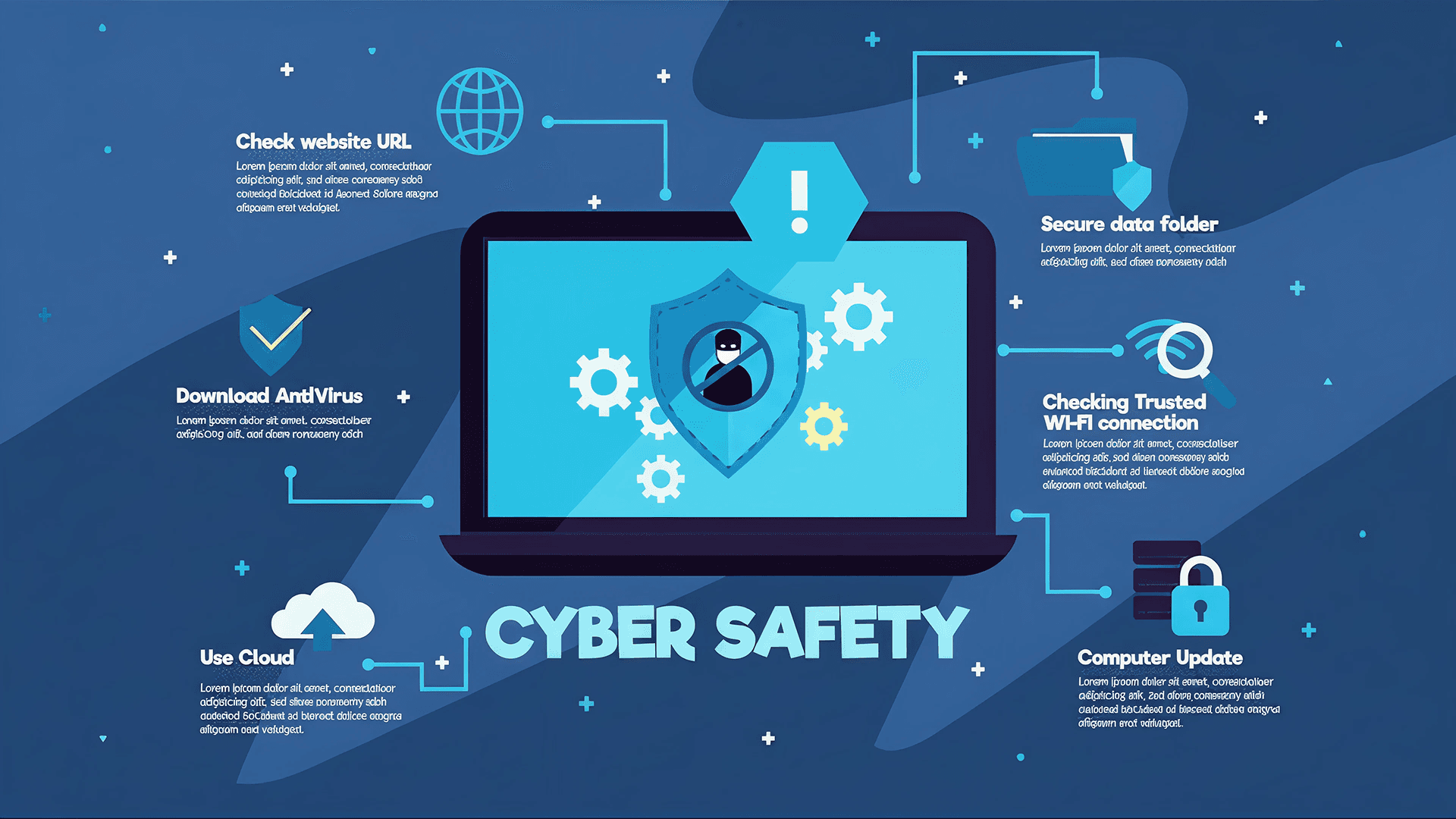
Security Tips for Using FTB Mobile To ensure secure and reliable use of FTB Mobile, follow these best practices: Download the FTB Mobile app only from official app stores (Google Play Store / Apple App Store). Avoid APK files or third‑party links. Enable biometric authentication (Face ID / Fingerprint) for stronger protection. Never share your OTP, password, or PIN—FTB will never ask for them. Avoid public Wi‑Fi when logging in or making transactions; use mobile data or a trusted network. Keep your device updated, and do not install untrusted apps, root, or jailbreak your phone. Enable push notifications to monitor your transactions in real time. Log out after each session, especially on shared or borrowed devices. Use the in‑app security features, such as change PIN or login with Biometric only, never use another external Security Tips for Using ATM & FTB iBanking ATM Safety Inspect the ATM for skimming devices (loose card slot, unknown attachments). Cover the keypad while entering your PIN. Use ATMs in well‑light and secure locations, such as FTB branches. Do not accept help from others to withdraw money, even if they appear friendly and close . Secure your card, cash, and receipt before leaving the ATM area. Immediately report captured or malfunctioned cards via FTB’s hotline 1800 200 111 (Call for Free) or +855(0)23 862 111
iBanking Safety ( Internet Banking / Web )
Use strong, unique passwords that are not used on other websites. Enable Two‑Factor Authentication (2FA) where available. Always verify the website URL: https://ibanking.ftb.com.kh Avoid logging in from public computers or shared devices. Log out after completing your session. Regularly review your transaction history. Security Tips for Using FTB Payment Cards Never share your card number, PIN, CVV, or OTP with anyone. Only shop or enter card details on trusted, secure websites (look for HTTPS). Avoid letting card out of sight during payment because some people can steal our card information Report lost or stolen cards immediately via FTB hotline or branch. Review monthly statements and report suspicious charges promptly. Additional Recommended Digital Usage Security Topics Secure Use of QR Payments Scan QR codes only from trusted merchants and official sources. Avoid scanning codes posted on walls, random stickers, or public areas. Validate the merchant name and amount before confirming payment.
Cybersecurity Awareness
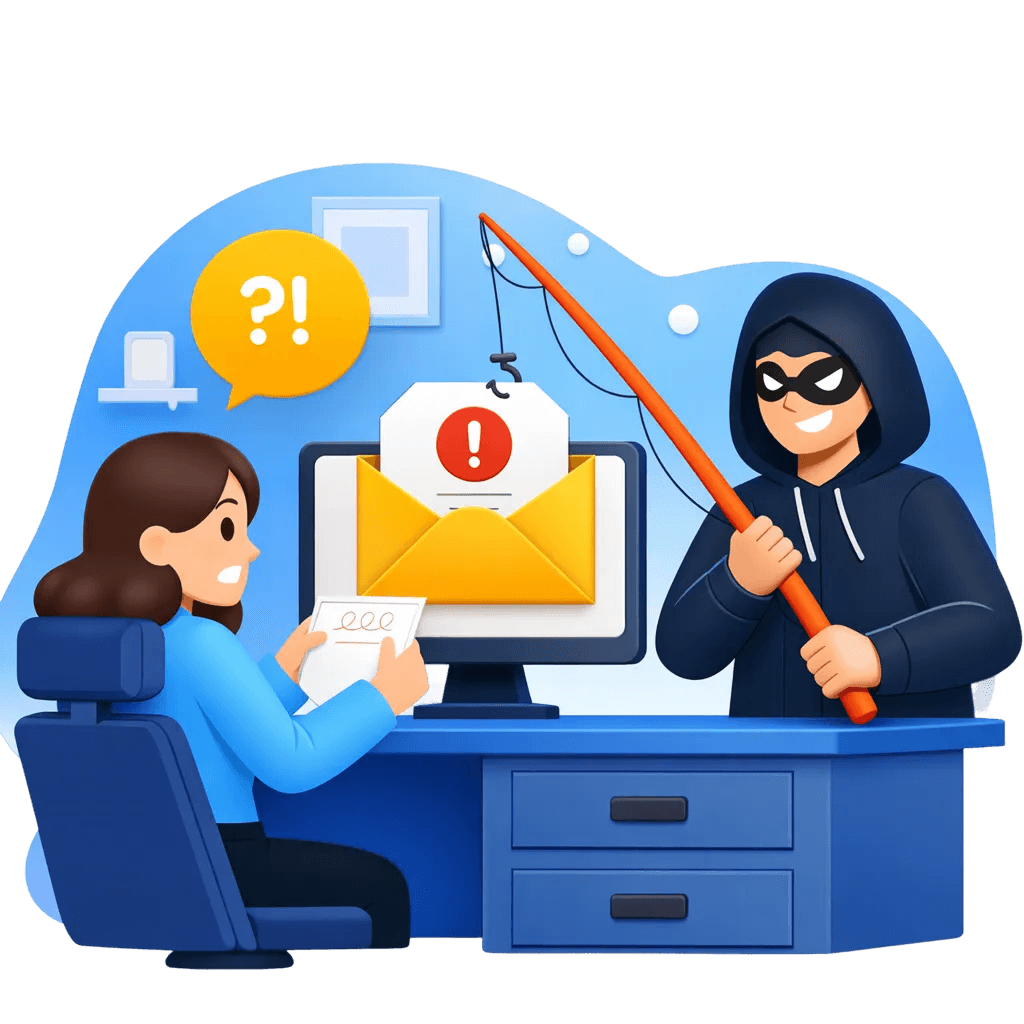
Disable Automatic AirPlay / Smart Sharing Turn off automatic AirPlay or SmartShare to prevent unintentional screen sharing. Turn off Bluetooth when do not require Only connect to trusted TVs or Bluetooth devices. Recognizing Phishing & Fraud Beware of messages pretending to be FTB asking for OTPs, passwords, or account details. Scammers may impersonate FTB staff or government officials. Avoid clicking suspicious links in emails, SMS, Telegram, Facebook Messenger, or TikTok messages. Do not reuse banking passwords or pin on social media or other sites. Verify announcements through FTB’s official Facebook page, website, and hotline.